
What Barnacle Bucks Does
Assign chores to each child
Create daily or repeating chores
Approve completed chores
Reward kids with earned screen time
Track daily and total screen-time balances
Customize chores for different ages
Give kids their own easy-to-use “Kid Mode”
Manage everything from one family dashboard
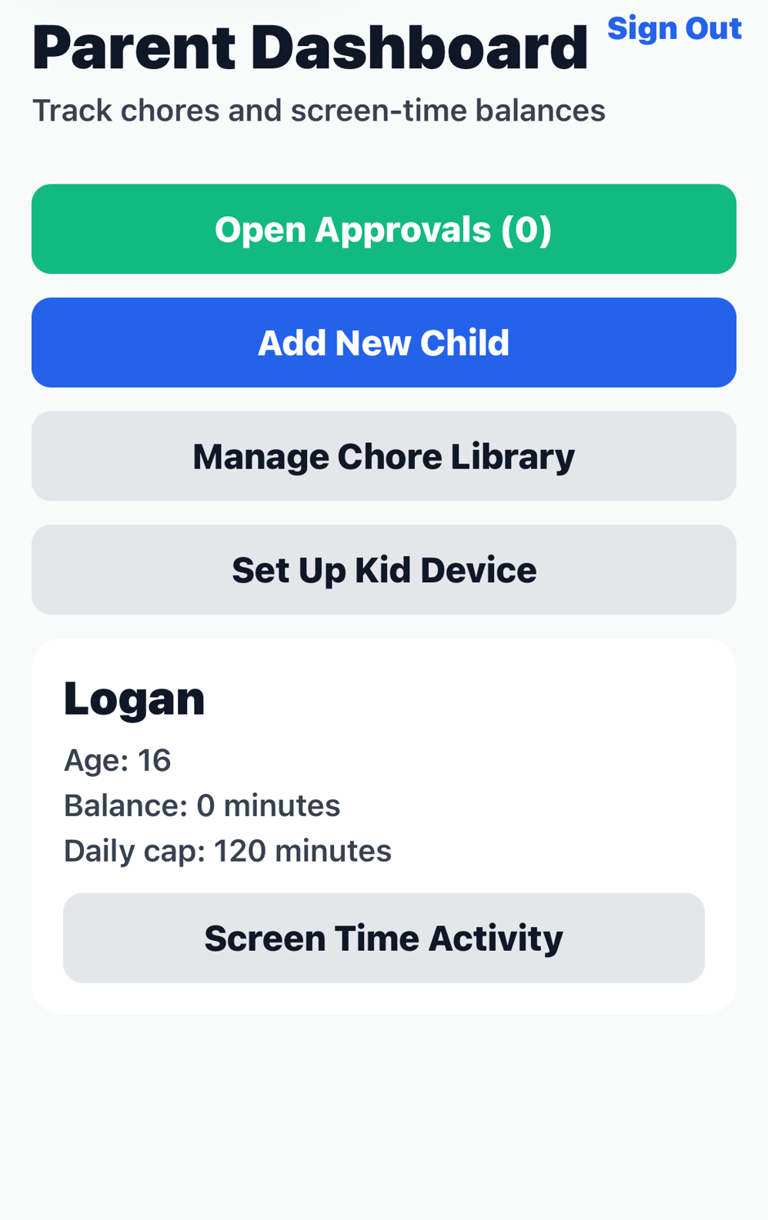
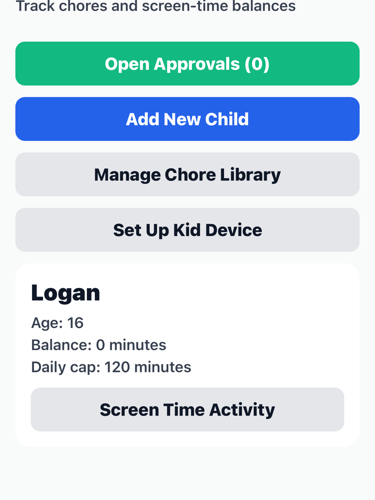
One view. Every chore. No spreadsheet.
See every assigned chore, who completed it, and the current screen-time balance for each kid — all from a single screen. No chasing, no guessing.
Add tasks, set screen-time limits, and approve completions in seconds. Works for one kid or four.
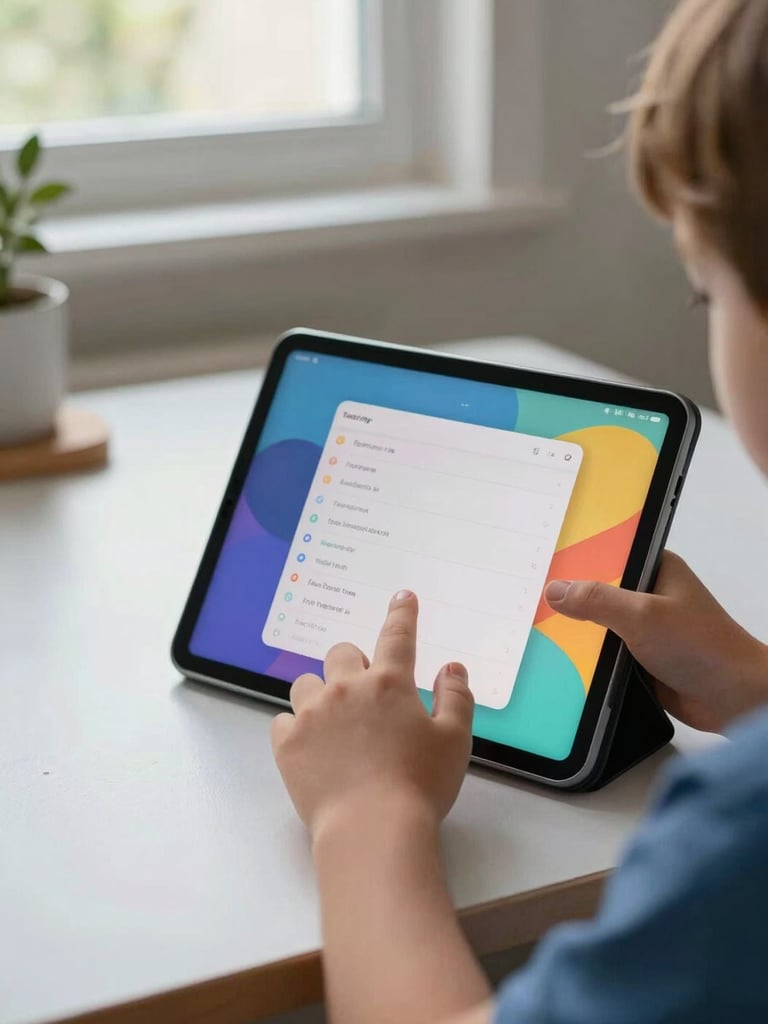
Kids check off tasks on their own
Kid Mode shows only what's assigned to that child — a simple, age-appropriate list they can navigate without help. Completing a chore feels like progress, not a chore.
No confusing menus, no parent login required. Kids see their tasks, mark them done, and watch their screen-time balance grow.


Screen time unlocks itself. No enforcing needed.
When a chore is marked complete, screen time is added to the balance automatically. Parents set the rules once; the app handles the rest. No manual overrides, no arguments at 4pm.